Installation Wizard (v1.5)
Archived file. Good only up to BP 1.5 version
After installing and activating BuddyPress, you will see an admin message with the link to the new BuddyPress Installation Wizard. Click on the "installation wizard" link.

Step 1: Choose the BuddyPress Components you want in your installation.
Click on "Save & Next" button.

Step 2: Associate/Create Pages for your BuddyPress Components.
Click on "Save & Next" button.

Step 3: Choose Pretty Permalinks structure.
Click on "Save & Next" button.

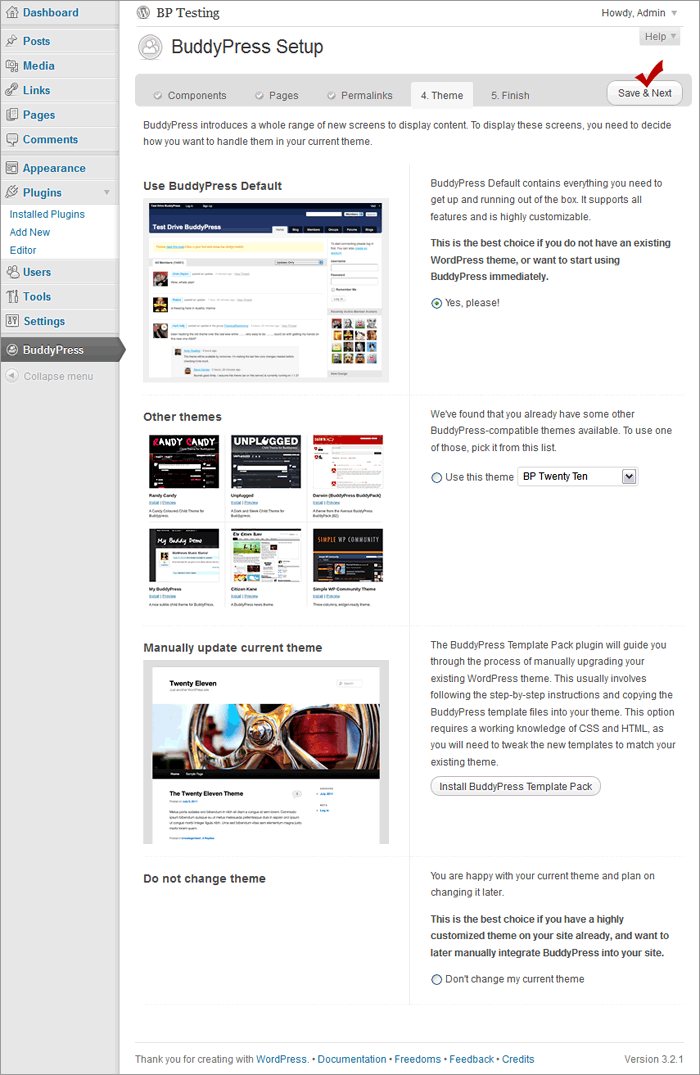
Step 4: Choose theme to use for your BP install.
Recommend using the bp-default theme to test drive all the BP features you activated. Click on "Save & Next" button.
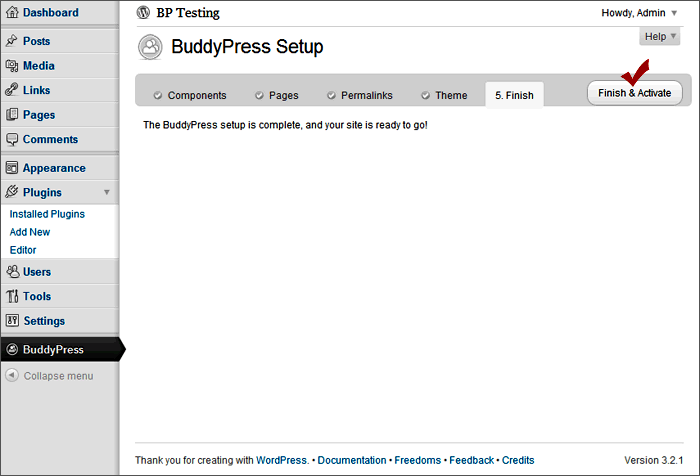
Step 5: Finish and Activate
You now have the following tables in your database

Proceed to Next Task
Configure BuddyPress Components for BP 1.5


